AnomalyDetection.h
Go to the source code of this file.
Anomaly Detection is a function that learns only normal images and detects abnormal images and their areas.
SAIGE VISION provides the Anomaly Detection function that detects abnormal images and their areas by learning only normal images. The Anomaly Detection function detects the abnormal area as a SaigeSegmentedObject structure, which is a Contour. Therefore, it is similar to the Segmentation function, and additionally provides whether the image is abnormal, and the overall abnormal score of the image.
Inference Options
You can set whether to calculate the Mask, Object, and Heatmap, which are the inference results of Anomaly Detection. The Scoremap is calculated by default and cannot be set not to be calculated.
153 154 155 156 157 158 159 160 161 162 163 164 165 166 167 168 169 170 171 172 | |
See also:
- SaigeInferenceOption::calcMask
- SaigeInferenceOption::calcObject - SaigeInferenceOption::calcObjectScoreAndApplyThreshold - SaigeInferenceOption::calcObjectAreaAndApplyThreshold - SaigeInferenceOption::objectScoreThresholdPerClass - SaigeInferenceOption::objectAreaThresholdPerClass
- SaigeInferenceOption::calcHeatmap
Heatmap
In Anomaly Detection, the Scoremap can be colored as a Heatmap. The Score in Anomaly Detection is expressed as a real number greater than or equal to 0, unlike other functions. Therefore, you can set the maximum and minimum Score values corresponding to the color area. The trained model has a suitable Score range calculated and set, but you can adjust the range if it is not clearly visible.
192 193 194 195 196 197 198 199 200 201 202 203 | |
- Before
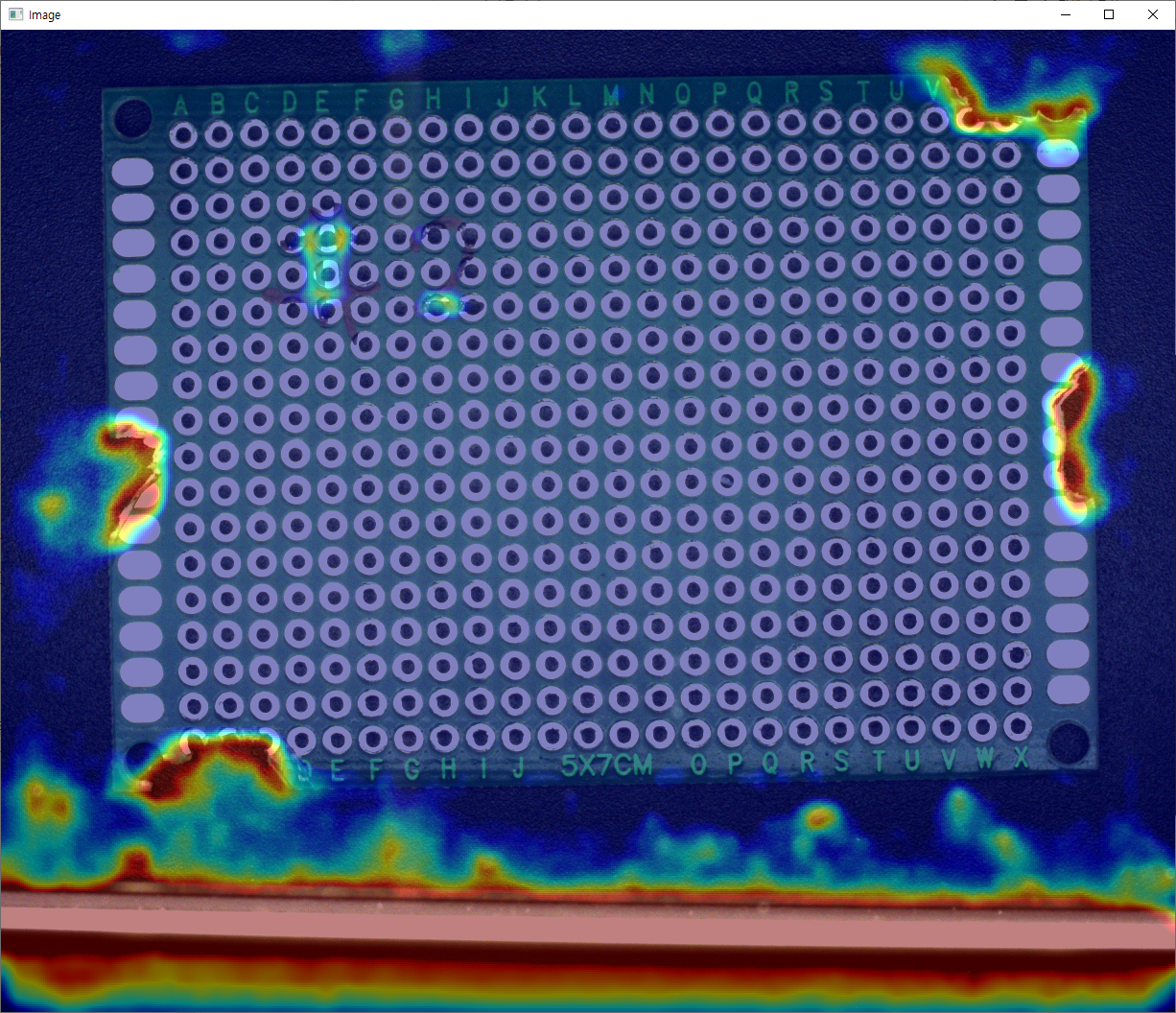
- After
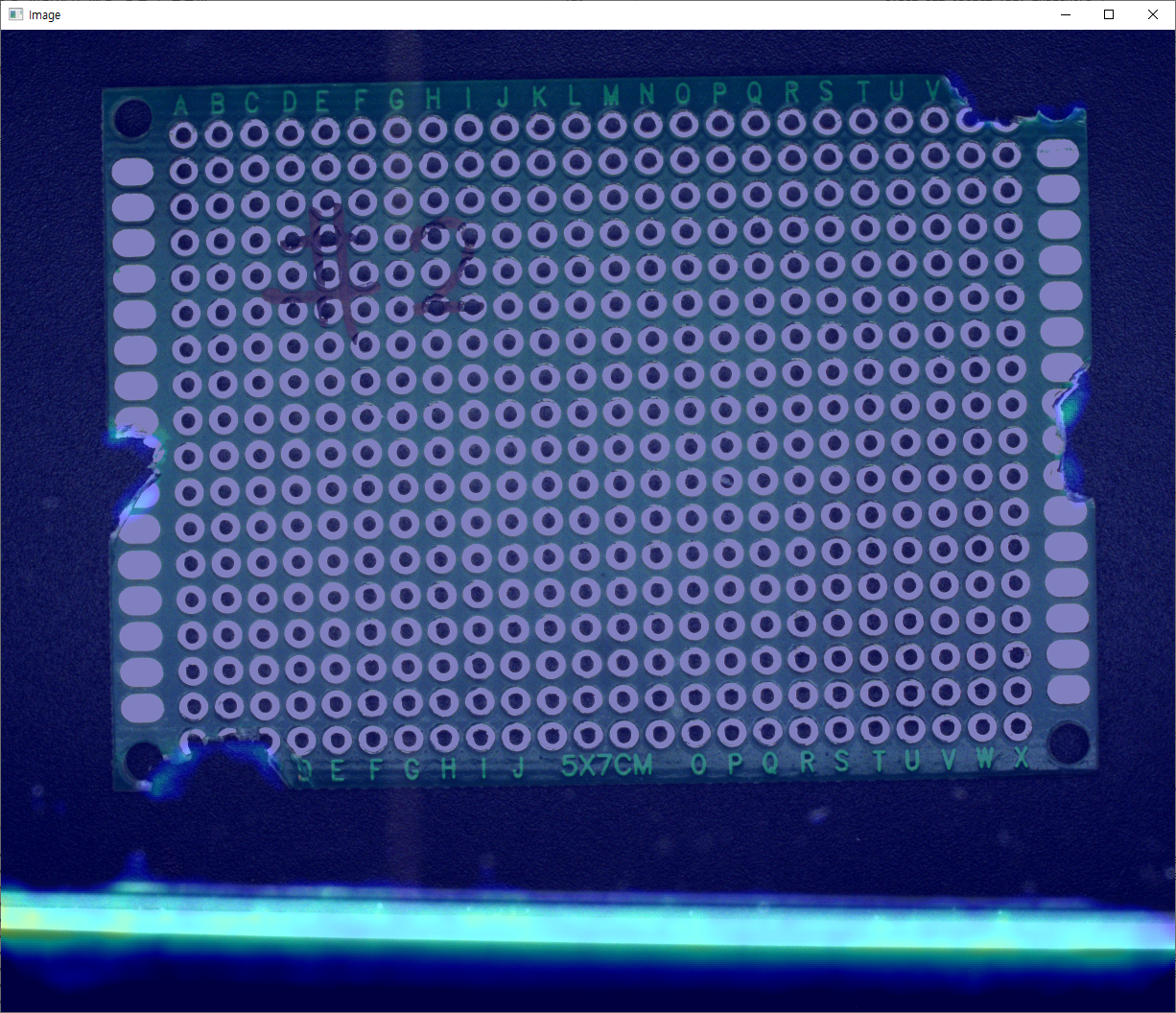
See also: SaigeInferenceOption::heatmapColorRangeMin, SaigeInferenceOption::heatmapColorRangeMax
Inference Results
You can get the basic inference results of Anomaly Detection, isNg, anomalyScore, scoreMin, and scoreMax.
298 299 300 301 302 303 304 305 306 307 308 309 310 311 312 313 314 315 316 | |
See also: SaigeGetInferenceResultAnomalyScores, SaigeGetInferenceResultIsNg
ScoremapIAD
The Scoremap, which is the inference result of Anomaly Detection, is represented as a float array to express a real number greater than or equal to 0.
343 344 345 346 347 348 349 350 351 352 353 354 355 356 | |
For other results such as Mask, Object, Heatmap, please refer to the example code and API documentation.